Games for Night Feeds
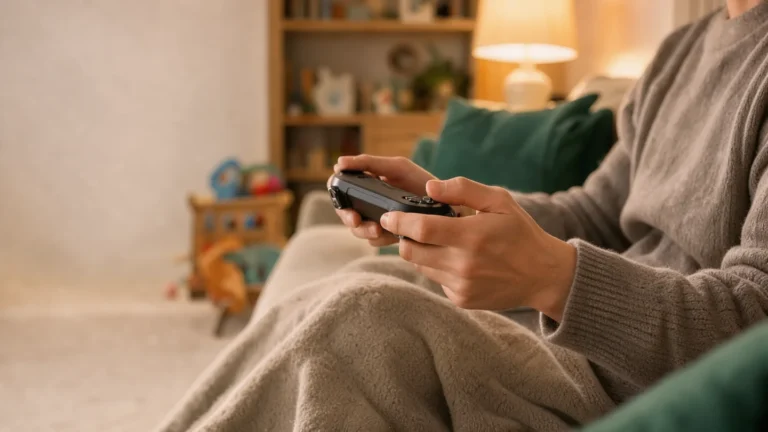
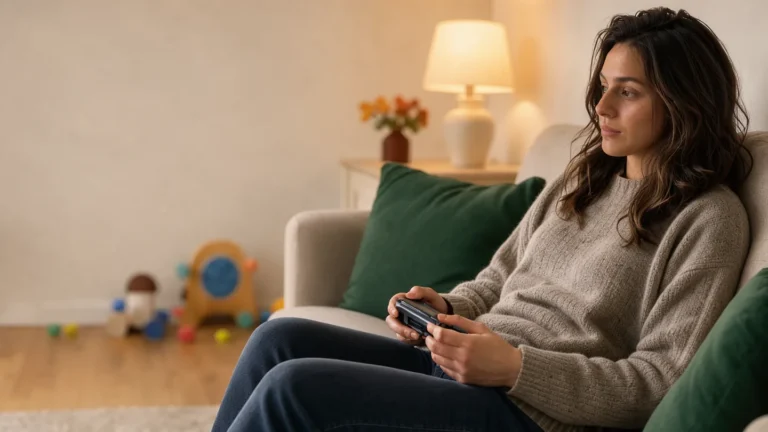
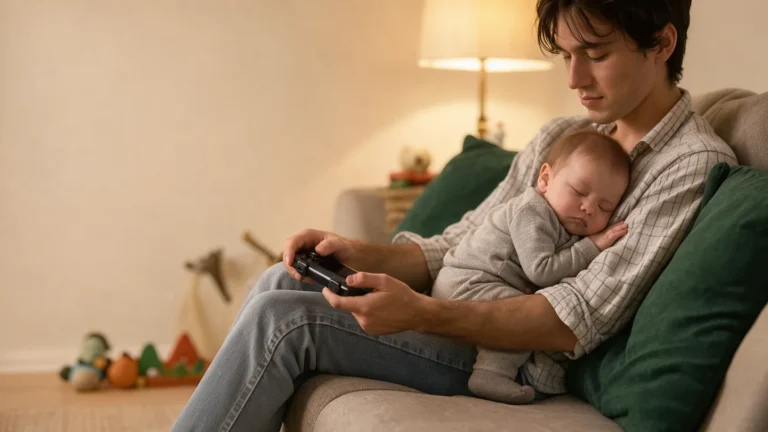
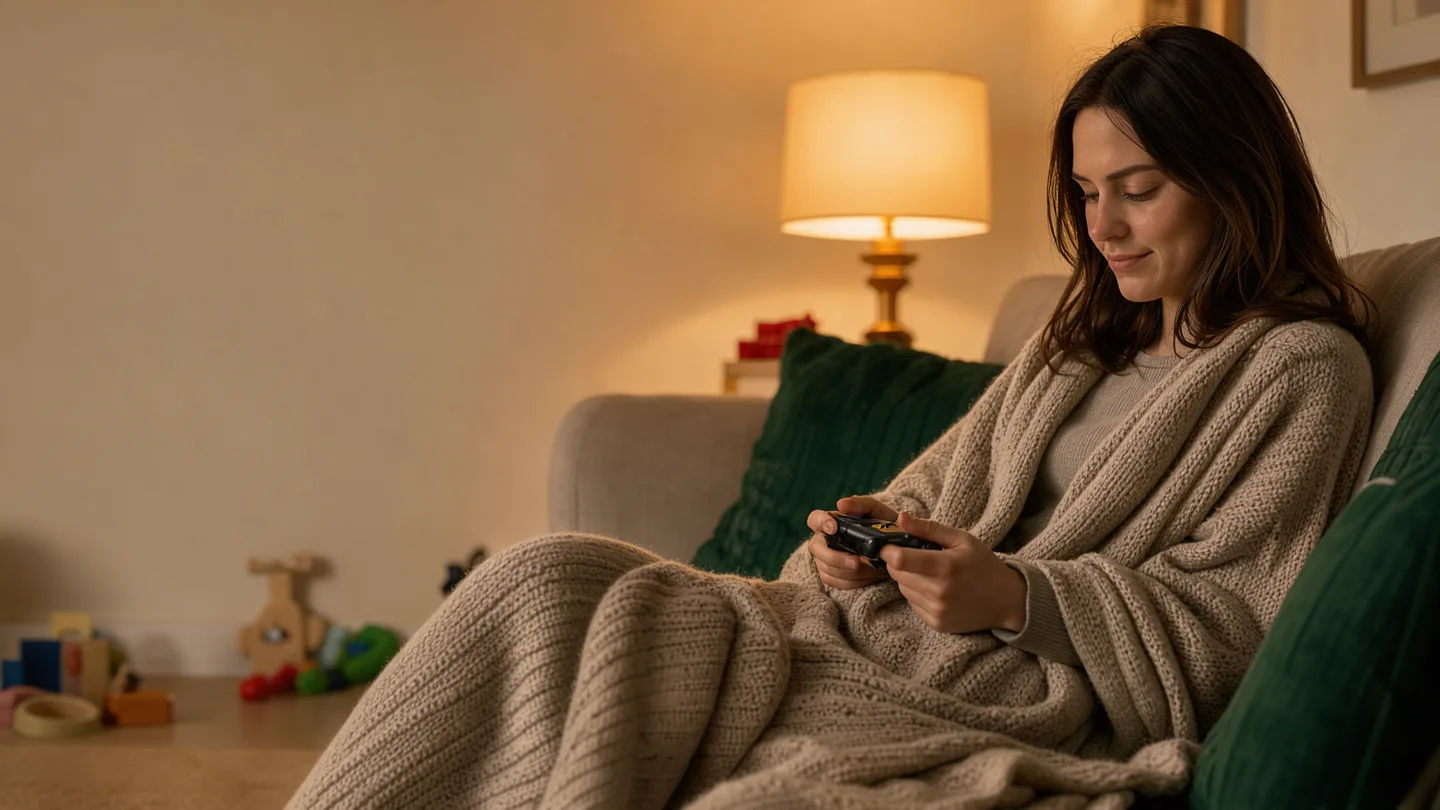
You are half asleep, one arm is doing the feeding, and the other hand is free. The room is dark, the baby is calm, and you have maybe twenty minutes before the next wake-up or the next feed ends. This is the window where a game can keep you company without demanding anything from you.
Games for night feeds need to meet a specific set of conditions. You need one-handed controls, instant pause, a dark screen that will not wake the baby, and sound you can kill in one tap. Not every game fits that bill, even if it is a great game in every other context.
This guide walks through what to look for, how to set up your device for a dark room, and which types of games hold up when you are running on four hours of sleep and a half-eaten granola bar.
What matters at 3 a.m.
- One-handed controls are non-negotiable; the other hand is occupied.
- Instant pause means you can stop mid-action if the baby stirs, without losing progress.
- Dark mode or a dark screen prevents light from waking a sleeping baby or partner.
- Sound should be off or easily muted; a sudden audio cue can undo the whole night.
- Short sessions matter more than long ones; you want a game that feels complete in ten minutes.
What makes a game work at 3 a.m.
A night feed game has to survive three interruptions per session. The baby shifts, the partner snores, you realize you forgot to fill the water bottle. If the game punishes you for stopping, it is the wrong game for this moment.
The first filter is one-handed play. On a phone, most puzzle and card games work with a thumb. On a Switch, some games play fine with a single Joy-Con, but many do not. On a Steam Deck, one-handed play is rare because the controls assume two hands. If you are holding a baby, you have one hand. That is the hard constraint.
The second filter is instant pause. You need to be able to stop the game at any moment and come back without a penalty. A game that only saves at checkpoints, or that has a long unskippable cutscene between sessions, will frustrate you at 3 a.m. even if it is a masterpiece.
The third filter is a dark screen. A bright white menu in a dark room is a flashlight pointed at a sleeping infant. Look for games with dark backgrounds, night modes, or simply dark color palettes. Many puzzle and strategy games use dark backgrounds naturally.
The fourth filter is sound. You want a game where you can mute everything with one tap, or where the default is silent. A game with a loud orchestral score or sudden audio stingers is a risk. You do not want to be fumbling through a settings menu at 3 a.m. trying to find the volume slider.
Screen brightness and sound tips
Lower your screen brightness before you start. On a phone, swipe down and drag the brightness slider to the lowest comfortable level. On a Switch, go to System Settings, then Brightness, and set it low. On a Steam Deck, the brightness slider is in the Quick Access menu. A dim screen is easier on your eyes and less likely to disturb anyone nearby.
For sound, the fastest method is to mute the device itself rather than the game. On a phone, use the physical mute switch or the volume buttons. On a Switch, press the volume down button on the console until it mutes. On a Steam Deck, the volume buttons are on the bottom edge. Muting the device means you do not have to find an in-game option, and it works even if the game has a weird audio setting.
If you want some sound but not enough to wake anyone, use a single earbud. This lets you hear the baby through the other ear while still getting audio cues from the game. Just be aware that a sudden loud sound in one ear can startle you awake, which is the opposite of what you want at 3 a.m.
A dark room plus a dim screen plus muted sound is the baseline. Everything else is a bonus.
| Device | One-handed play | Instant pause | Dark screen options | Sound control |
|---|---|---|---|---|
| Phone | Best option; most puzzle and card games work with one thumb | Most mobile games pause instantly when you leave the app | Dark mode is common; many games use dark backgrounds | Physical mute switch or volume buttons; one tap to silence |
| Nintendo Switch (handheld) | Limited; some games work with one Joy-Con, many do not | Most single-player games pause instantly from the home button | Brightness can be lowered; fewer games offer a true dark mode | Volume buttons on the console; mute is one press |
| Steam Deck | Rare; most games assume two hands on the controls | Suspend works, but some games do not handle it cleanly | Brightness can be lowered; dark mode depends on the game | Volume buttons on the bottom edge; mute is one press |
| Tablet | Good for puzzle and card games; larger screen helps in the dark | Most tablet games pause instantly when you leave the app | Dark mode is common; larger screen means more light output | Physical mute switch or volume buttons |
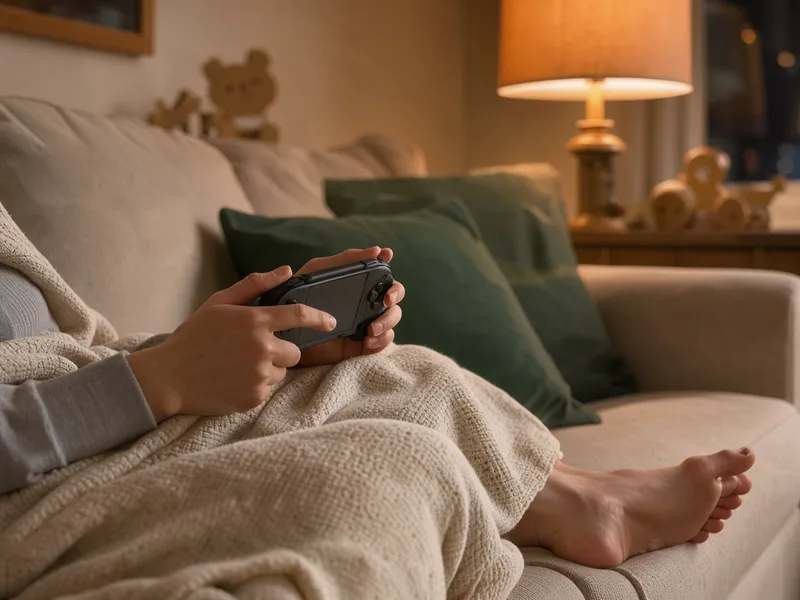
Game types that hold up at 3 a.m.
Puzzle games are the most reliable category. They are usually one-handed, they pause instantly, and they tend to have dark backgrounds. A single puzzle takes two to five minutes, which fits a feed window perfectly. You can do one puzzle, set the phone down, and come back later without losing your place.
Card and deck-building games work well if they are single-player and pausable. The key is that the game must not have a timer or a turn limit that punishes you for thinking slowly. At 3 a.m., your thinking is slow. That is fine. You want a game that waits for you.
Idle and incremental games are a natural fit because they do not demand constant attention. You check in, tap a button, and the game keeps running while you do other things. The downside is that they can be hard to put down because there is always one more upgrade to grab. If you find yourself playing past the feed window, that is a sign the game is too engaging for this context.
Simple strategy games like tower defense or city builders can work if they are turn-based and pausable. Real-time strategy is a poor fit because pausing mid-battle can feel like cheating, and some games do not allow it at all.
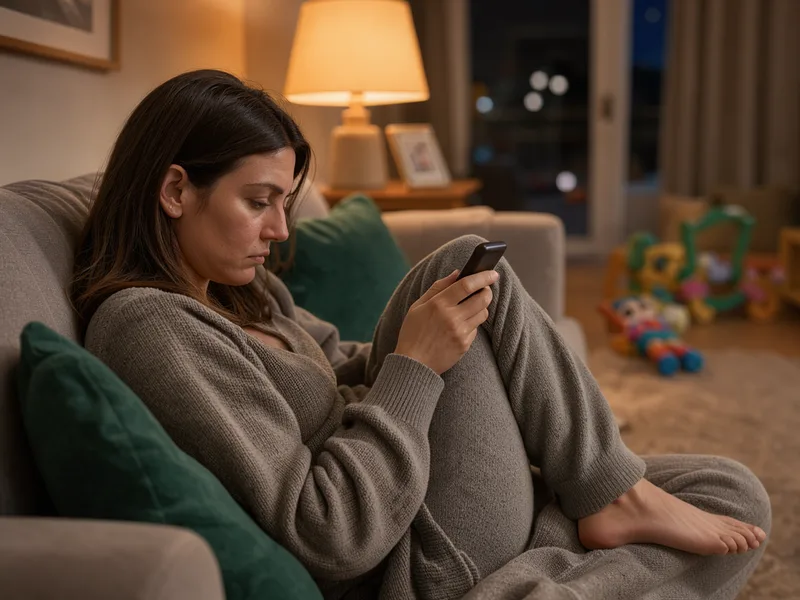
What to avoid at 3 a.m.
Action games, even good ones, are usually wrong for a night feed. They require two hands, they have long sequences between checkpoints, and a sudden death means you lose progress. You do not want to be restarting a boss fight because the baby burped and you flinched.
Online games are out. You cannot pause them, they require two hands, and they have audio you cannot easily kill without losing your connection. If you want to know more about why, see why you cannot pause online games.
Games with unskippable cutscenes are a trap. You sit down for ten minutes, the game plays a three-minute cinematic, and the feed is over before you touched the controls. Check for skippable cutscenes before you start a new game at 3 a.m.
Games with long loading times between sessions are also a poor fit. If it takes forty seconds to load back into the game, you will spend more time waiting than playing.
Night feed gaming questions
Can I play a Switch game one-handed at 3 a.m.?
Some Switch games work with a single Joy-Con, but many do not. The Switch Lite has no detachable controllers, so one-handed play depends entirely on the game. If you are holding a baby, a phone or tablet is a safer bet for one-handed gaming.
Does the Steam Deck work for night feeds?
The Steam Deck can suspend and resume, which is useful. But most Steam Deck games assume two hands on the controls. A few puzzle and card games work one-handed, but the library is not built for it. A phone is usually easier for this specific situation.
What if the game has no dark mode?
Lower your screen brightness to the minimum. A dark room plus a dim screen is close enough to a dark mode for most purposes. If the game has a bright white menu, you can also try a blue-light filter on your device, which reduces the harshness of the light without changing the game itself.
Is it okay to play games during a night feed?
That is a parenting question, not a gaming question. What this guide offers is practical advice for the moments when you are feeding and have a free hand and a few minutes. Whether you choose to game, scroll, read, or stare at the ceiling is your call.
How do I find games that pause instantly?
On mobile, most games pause when you leave the app or press the home button. On Switch and Steam Deck, check whether the game has a pause option in its menu. Games that only save at checkpoints or that have no pause option are not night feed friendly. Our [save anywhere vs checkpoints guide](save-anywhere-vs-checkpoint) explains the difference.